
6E Club Forgot Password
Forgetting a password happens to everyone. Resetting a 6E Club login takes about a minute if your registered SIM is in the phone.
If it is not, there is still a way back – it just takes a little longer.
6E CLUB RESET SCREEN
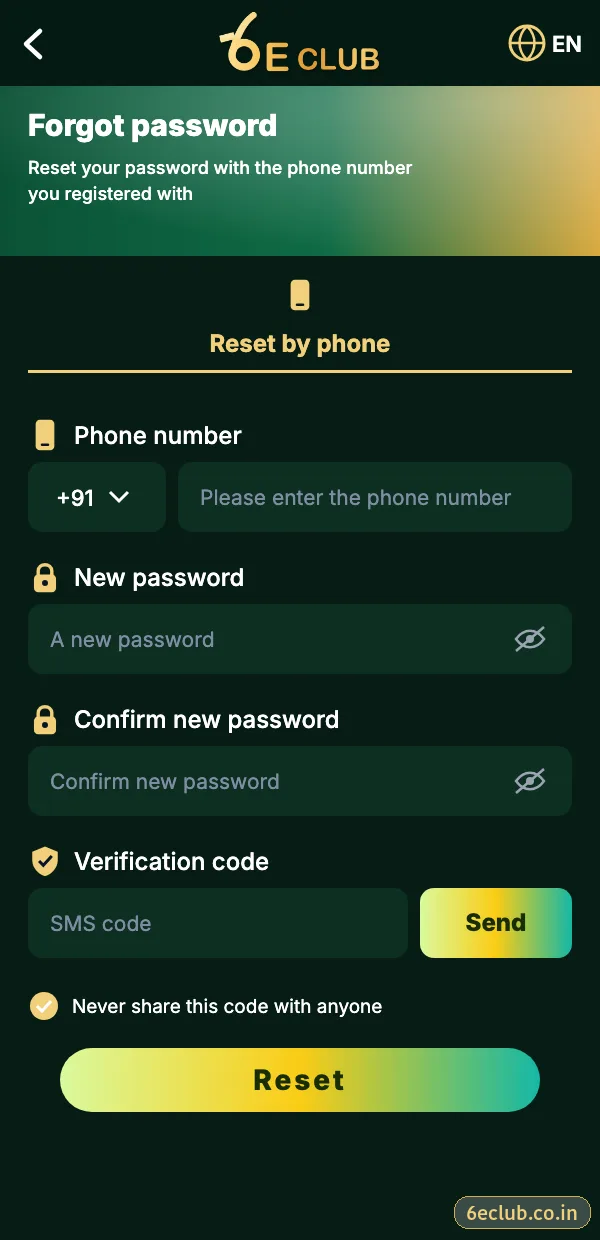
6E Club forgot password screen
Registered number, new password, confirm password and the SMS code.
On this page
Reset your 6E Club password
- On the login screen, tap Forgot password.
- Enter your registered mobile number.
- Type a new password and confirm it.
- Enter the SMS code and tap Reset.
- Log in with the new password.
Changing the password while logged in
6E CLUB SETTINGS
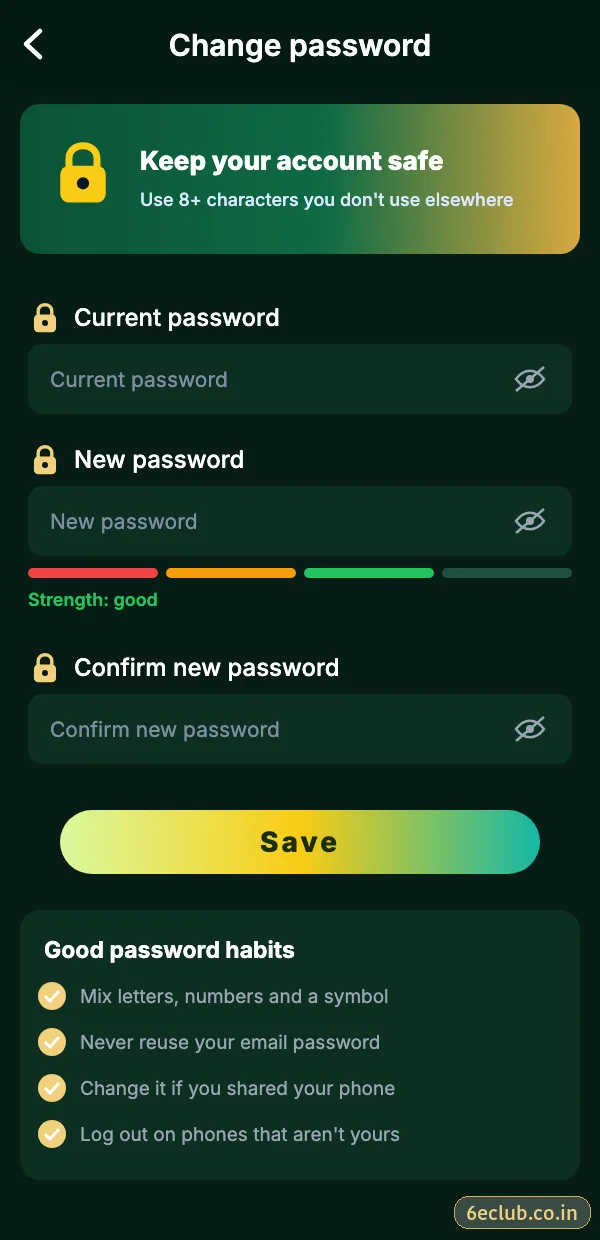
Change 6E Club password
Old password, new password and confirm, under Account → Settings.
If you can still log in but want a new password, open Account → Settings → Login password, enter the old one and choose a new one. Do this immediately if you ever typed your details on a suspicious site.
Lost or changed SIM
Ask your mobile operator for a replacement SIM with the same number – that is the quickest route. If the number is gone for good, contact 6E Club customer care with your UID and any details you remember so they can verify you.
Fixes when the reset does not work
No SMS code
Check signal, DND and the active SIM; wait for the timer before resending.
“Number not registered”
You may have used another number at sign-up.
New password rejected
Use at least eight characters and avoid your old password.
Protect the account afterwards
- Use a password you have never used elsewhere.
- Log out of every other device.
- Bind a backup email.
- Turn on login alerts.
If you suspect someone else knows your password
Reset it immediately, even if nothing looks wrong yet. Then log out of all devices, review recent login alerts and tell 6E Club customer care if you spot anything unfamiliar. Acting within minutes is the difference between a scare and a real problem.
Choosing your new 6E Club password
- At least eight characters.
- Not your name, birthday or phone number.
- Not used for email, UPI or banking.
- Three random words plus a number work well.
Write it down somewhere private if you need to, but never in a chat, a screenshot gallery or a note shared with others.
Start with 6E Club the safe way
Use the official 6E Club app or website – one 6E Club account works on every device.
Frequently asked questions
Can 6E Club support tell me my password?
No – nobody can see it; you must reset it.
How long is the reset code valid?
A few minutes.
Will resetting log me out elsewhere?
Usually yes, which is a good thing.