
6E Club App Download
The 6E Club app is the quickest way into the lobby. On Android it is an APK from the official website; on iPhone it is a web app you pin from Safari.
Here are both methods, the permissions involved, how to update safely and what to do when an install fails.
6E CLUB DOWNLOAD SCREEN
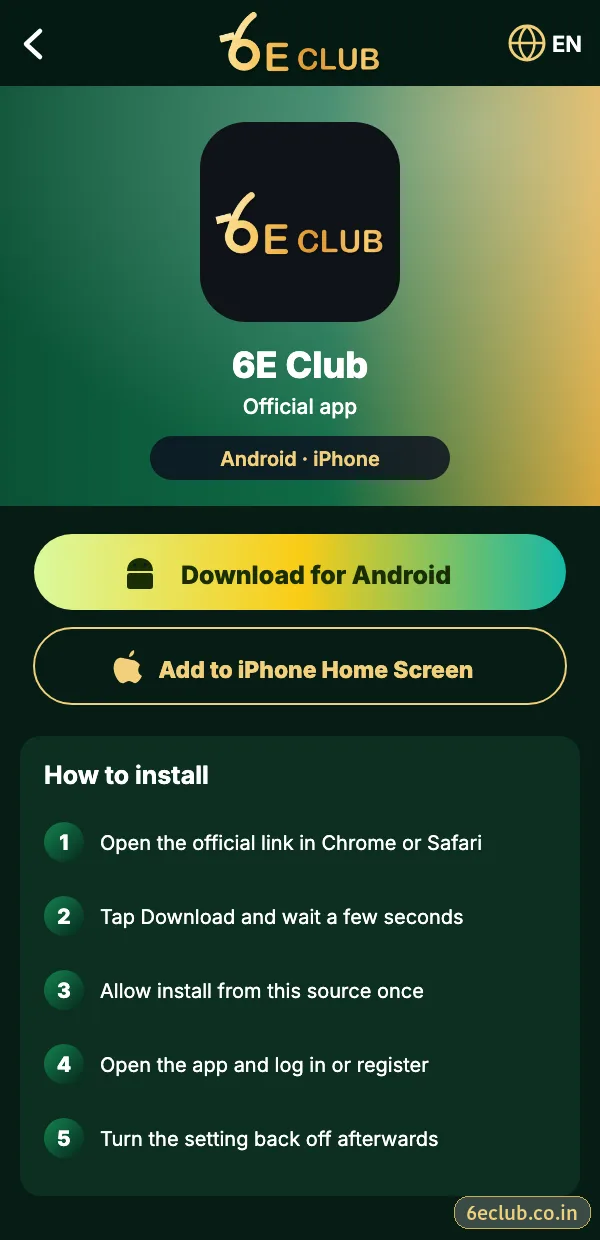
6E Club app download screen
Download for Android, or add 6E Club to your iPhone home screen.
On this page
- 6E Club app details
- Download the 6E Club APK on Android
- Install the 6E Club APK
- 6E Club on iPhone
- Why 6E Club is not on the Play Store
- Updating the 6E Club app
- Fixes for 6E Club install errors
- App vs website: which should you use?
- Permissions the genuine app needs
- How to tell a genuine 6E Club APK from a fake
- Removing an old or suspicious 6E Club app
- FAQs
6E Club app details
| Item | Details |
|---|---|
| App name | 6E Club |
| Android | APK from the official website |
| iPhone | Safari web app (Add to Home Screen) |
| Size | Roughly 10–20 MB |
| Android version | 7.0 or newer |
| Price | Free |
Download the 6E Club APK on Android
- Open the official 6E Club website in Chrome.
- Tap Download for Android.
- Choose Download anyway when Chrome warns about app files – this warning appears for every APK.
- Wait for the download to finish.
Install the 6E Club APK
- Open the file from the notification bar or Downloads.
- When asked, allow Install unknown apps for Chrome.
- Tap Install, then Open.
- Log in or register.
- Go back to Settings and switch Install unknown apps off again.
6E Club on iPhone
- Open the official 6E Club site in Safari (not Chrome).
- Tap the Share icon.
- Choose Add to Home Screen and tap Add.
- Open the new 6E Club icon and sign in.
No configuration profile, TestFlight link or “enterprise app” is needed. Anything asking you to install one is not genuine.
Why 6E Club is not on the Play Store
Google limits this category of app in India, so platforms like 6E Club distribute an APK from their own website. That is normal – but it means you must be careful about where the file comes from.
Updating the 6E Club app
When the app asks for an update, download the new APK from the same official page and install it over the old one. Your account lives on the server, so nothing is lost. Never update from a file someone sends you in a chat.
Fixes for 6E Club install errors
“App not installed”
Uninstall the older 6E Club app first, then install the new file.
“Problem parsing the package”
The download was interrupted – download it again on a stable connection.
Play Protect warning
Expected for sideloaded apps; continue only if the file came from the official site.
Storage full
Free 300–500 MB and try again.
iPhone icon opens a blank page
Delete the icon and add it again from Safari.
Fake APKs called “6E Club Mod”, “Pro” or “Hack”, or apps asking for SMS, contacts or Accessibility permission, are designed to steal accounts. Delete them.
App vs website: which should you use?
Both open the same 6E Club account, balance and history. The app is faster, stays signed in and removes the risk of typing a wrong address. The website needs no install and works on iPhones and laptops. If your phone is short on storage, the website is a perfectly good choice – just bookmark the official address.
Permissions the genuine app needs
| Permission | Needed? |
|---|---|
| Internet | Yes – to load the lobby |
| Notifications | Optional – for login alerts and gift codes |
| SMS, contacts, Accessibility | No – an app asking for these is fake |
How to tell a genuine 6E Club APK from a fake
| Check | Genuine | Fake |
|---|---|---|
| Source | Official 6E Club website | Telegram file, YouTube link, “mod” site |
| File name | Plain 6E Club name | “Mod”, “Pro”, “Hack”, “VIP unlocked” |
| Permissions | Internet, optional notifications | SMS, contacts, Accessibility |
| Promises | None | “Guaranteed wins”, “prediction built in” |
Removing an old or suspicious 6E Club app
- Open Settings → Apps and find the 6E Club app.
- Tap Uninstall.
- Restart the phone.
- Download the APK again from the official website.
- Log in and change your password if the old app was suspicious.
Start with 6E Club the safe way
Use the official 6E Club app or website – one 6E Club account works on every device.
Frequently asked questions
Is the 6E Club APK safe?
The file from the official 6E Club website is the one to use; files from chats or mod sites are not.
Will uninstalling delete my 6E Club account?
No – your account is stored online.
Is there an iOS app file?
No – use the Safari web app.